watnow.pwa-snippet
Get the app on your iPhone (Safari)
This is a web app. On iPhone, you “install” it by saving it to your Home Screen.
Use Safari. The “Add to Home Screen” option won’t show up the same way in other iPhone browsers.
-
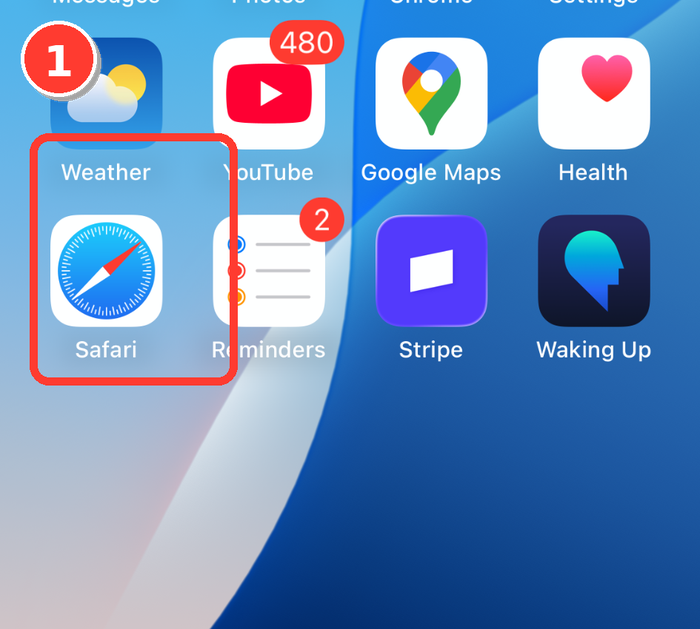
Open Safari
-
Type the URL, then tap Go
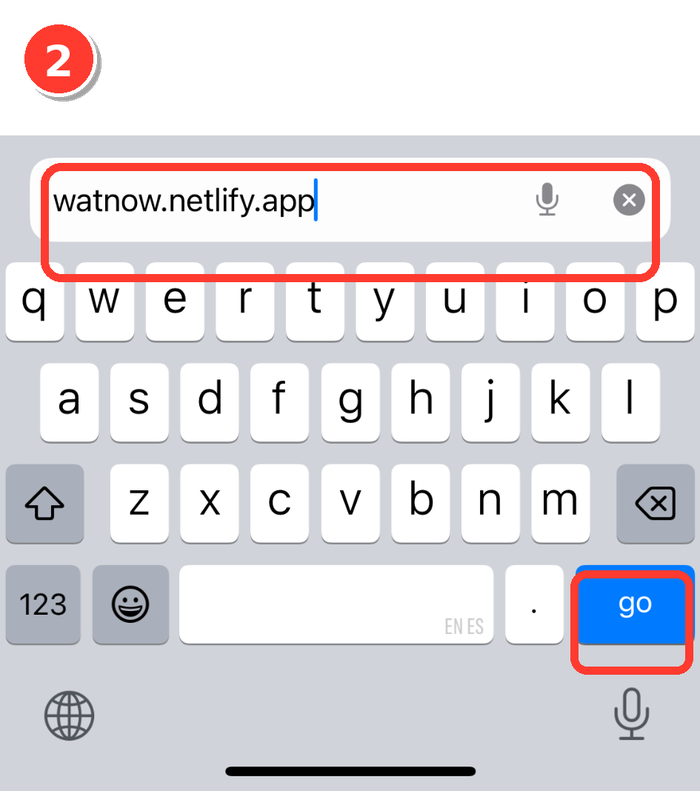
watnow.netlify.app -
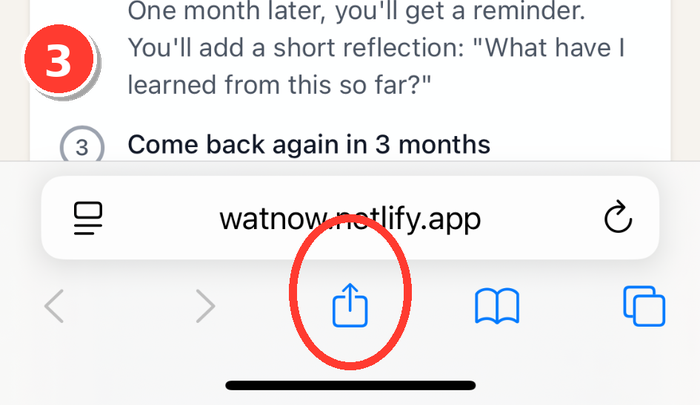
Tap the Share button (square with arrow)
-
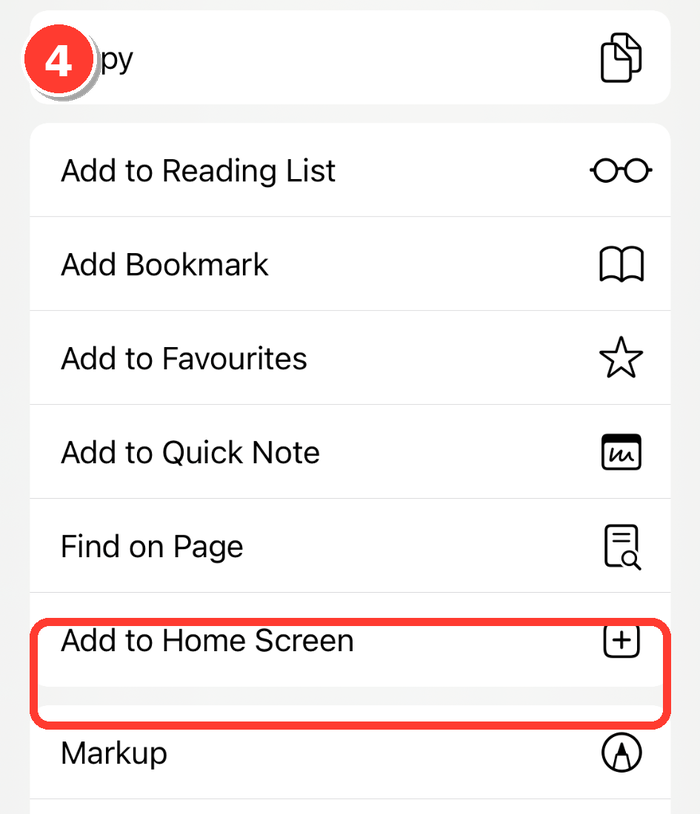
Scroll a little and tap Add to Home Screen
-
Tap Add (top-right). Optional: rename it first.
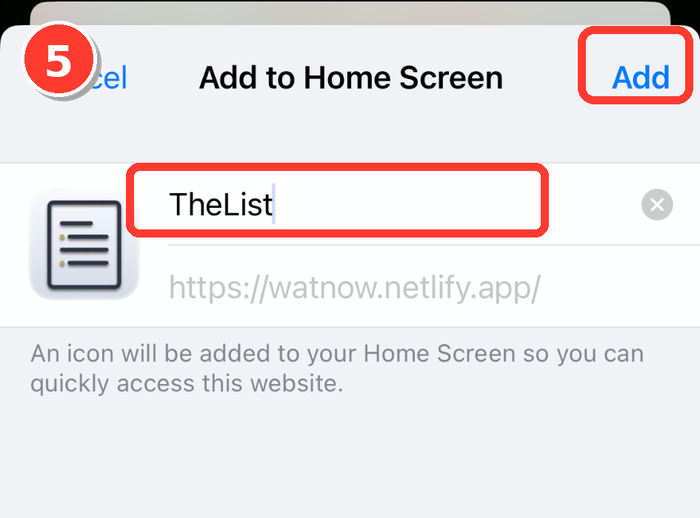
Done. You’ll now have an icon on your Home Screen that opens the app full‑screen.
Optional tip (Safari shortcuts)
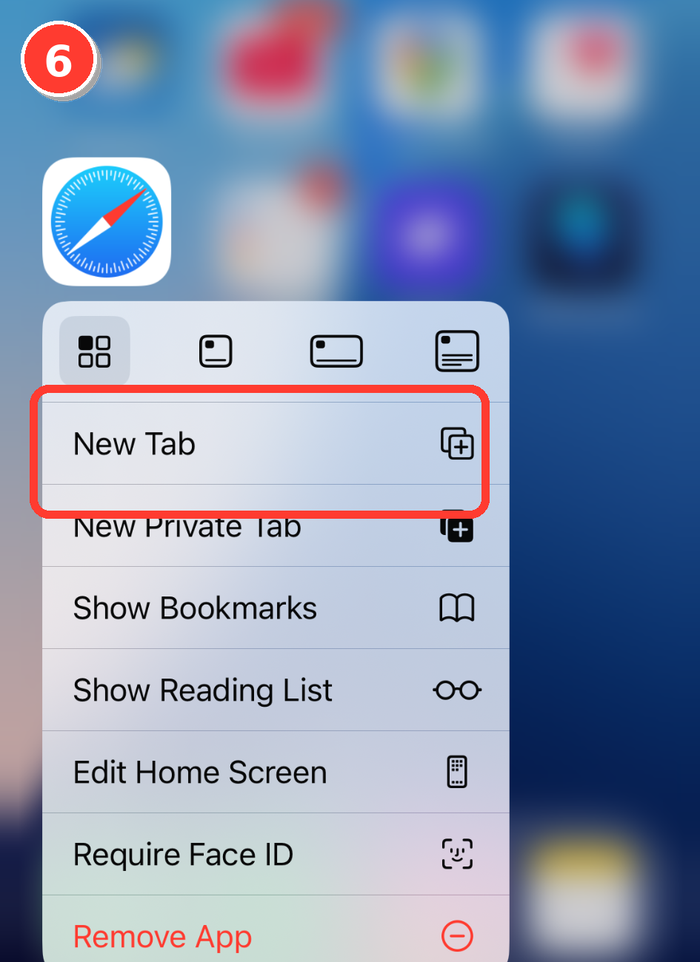
Press-and-hold the Safari icon to open New Tab.